> ## Documentation Index
> Fetch the complete documentation index at: https://liaobots.mintlify.site/llms.txt
> Use this file to discover all available pages before exploring further.
# Choose Your Needs
> Liaobots is the most professional AI platform, always launching the world's latest and most cutting-edge models first, and committed to allowing users to enjoy all AI products at the lowest prices. This documentation will help you get started quickly
### View Supported Services
We support [Aggregation Site](/Aggregation/en/Model-Chat), [Mirror Site](/Getting-Started/en/Mirror-Site), and [API](/Getting-Started/en/API) - three types of services
### Locate the Service You Need
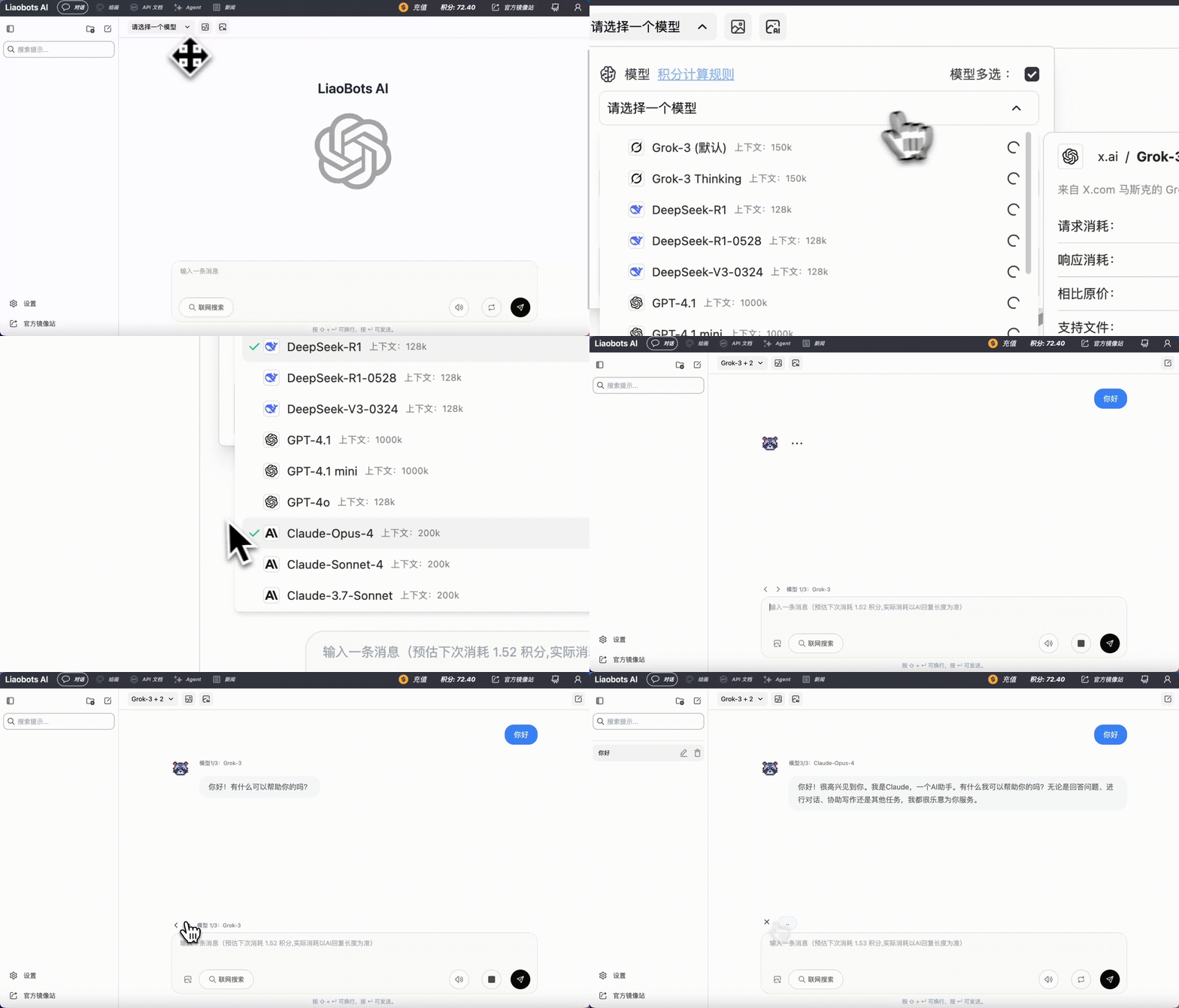
### Request Multiple AI Replies Simultaneously
Users can use the optional button on the aggregation site to request multiple models at the same time and choose the answer you're most satisfied with!
 ### Immersive Chat
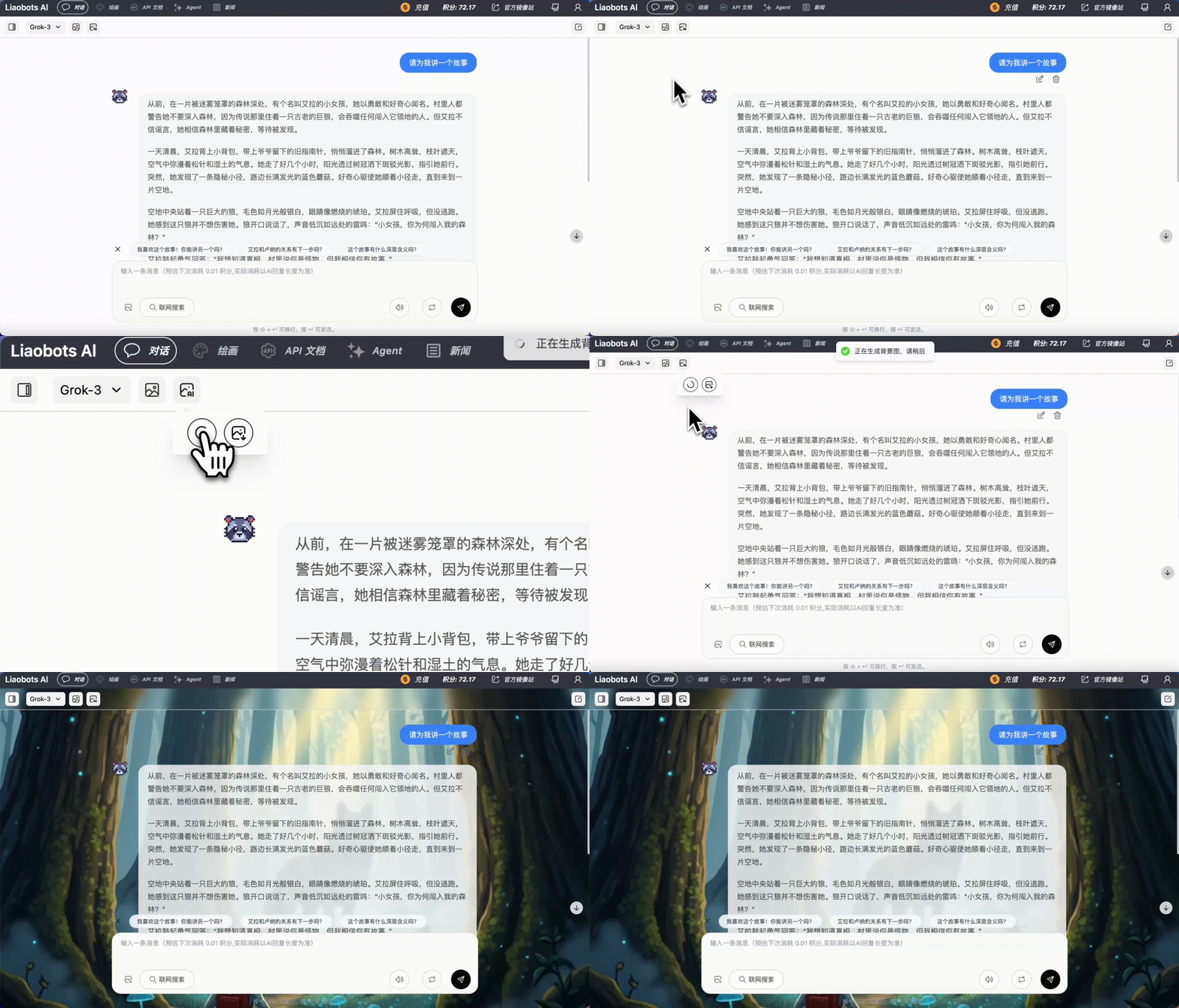
The aggregation site can choose to generate contextually appropriate background images in real-time based on AI's reply content, achieving immersive chat
### Immersive Chat
The aggregation site can choose to generate contextually appropriate background images in real-time based on AI's reply content, achieving immersive chat
 ### Code Preview
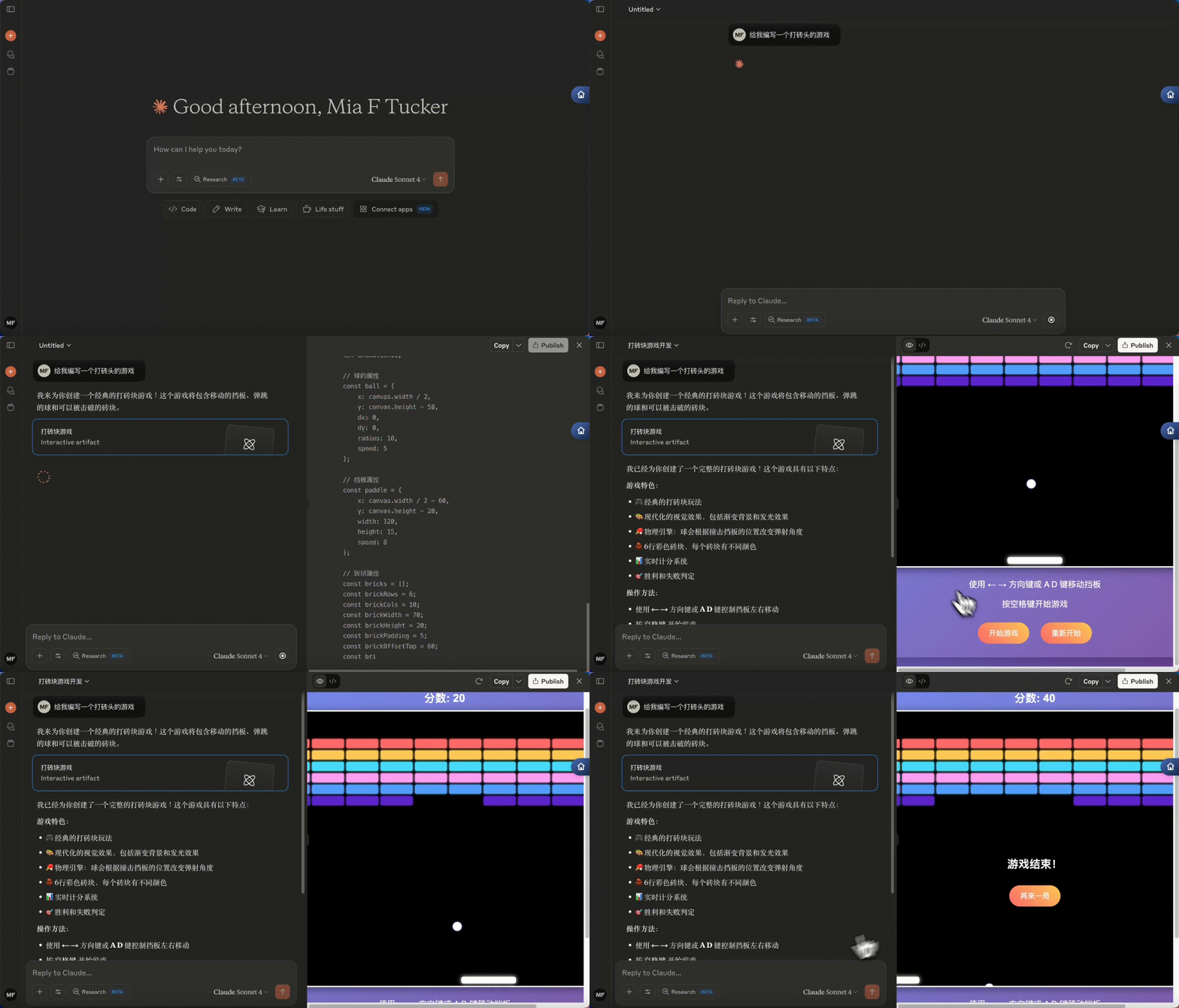
The mirror site faithfully replicates all functions of the official website, including real-time code preview and other office scenario needs
### Code Preview
The mirror site faithfully replicates all functions of the official website, including real-time code preview and other office scenario needs
 ### Deep Search
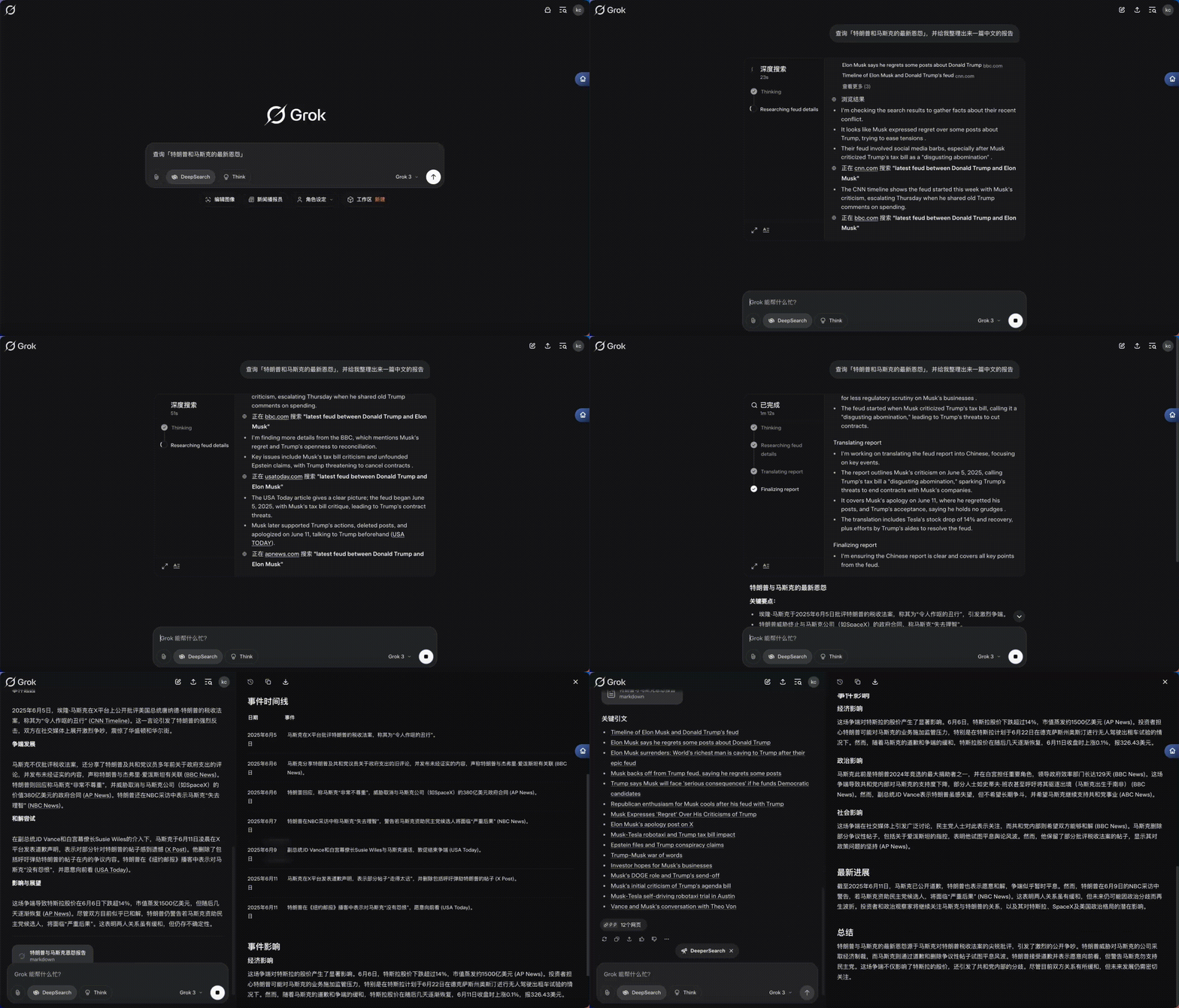
Supports powerful search features of the DeepResearch series, quickly organizing rich reports based on user topics
### Deep Search
Supports powerful search features of the DeepResearch series, quickly organizing rich reports based on user topics
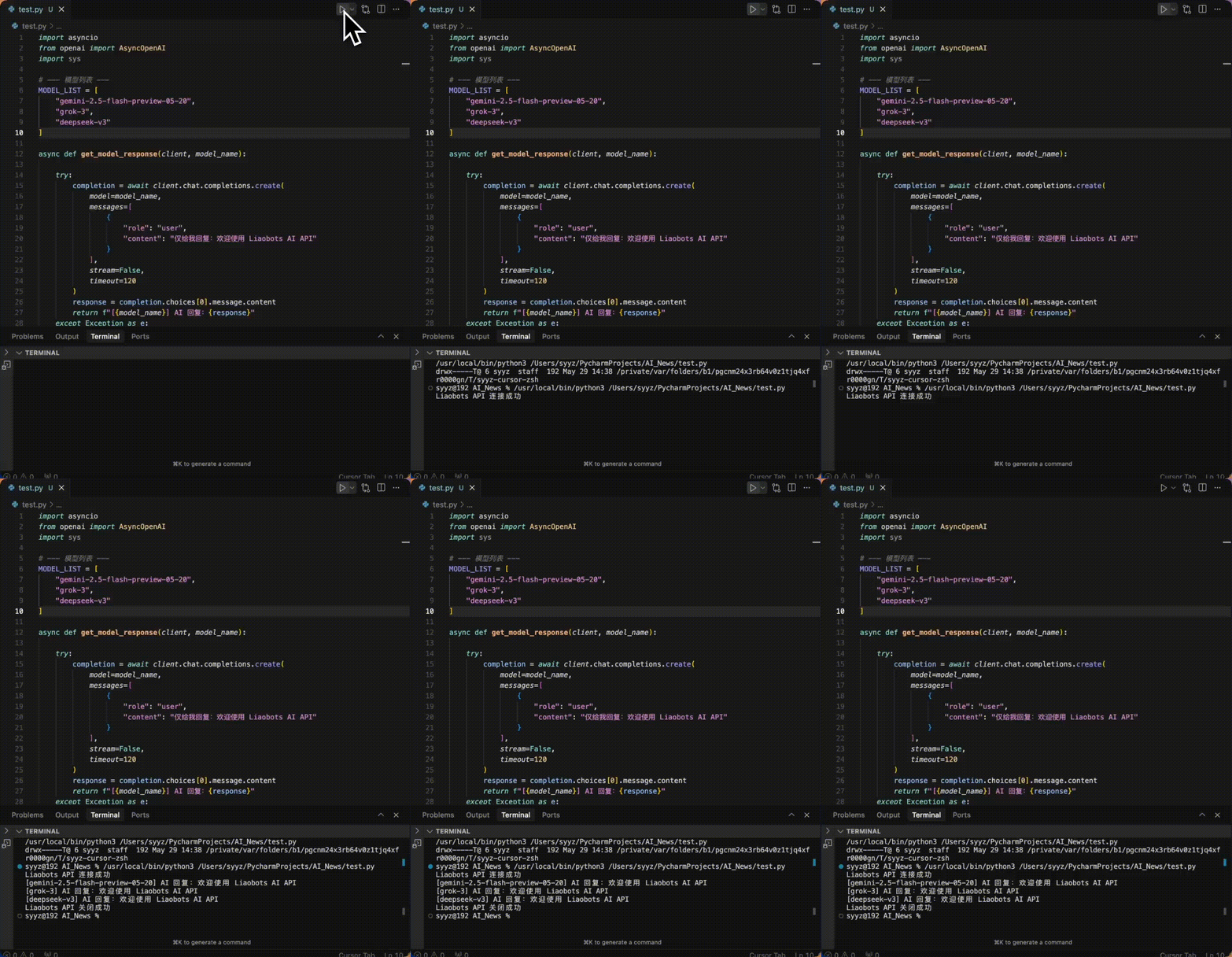
 ### Developer Interface
With just one Login Code, developers can call various models in their own projects
### Developer Interface
With just one Login Code, developers can call various models in their own projects
 ### Quick Start
Almost there! Click on the service you need to use
Go to view aggregation site usage
Go to view API usage
Go to view mirror site usage
### Quick Start
Almost there! Click on the service you need to use
Go to view aggregation site usage
Go to view API usage
Go to view mirror site usage